IT Helpdesk Intake: Routing Approvals by Cost
Build a SharePoint IT helpdesk request form that routes high-cost requests to a manager automatically, with a linked assets list for pointing requests at r...
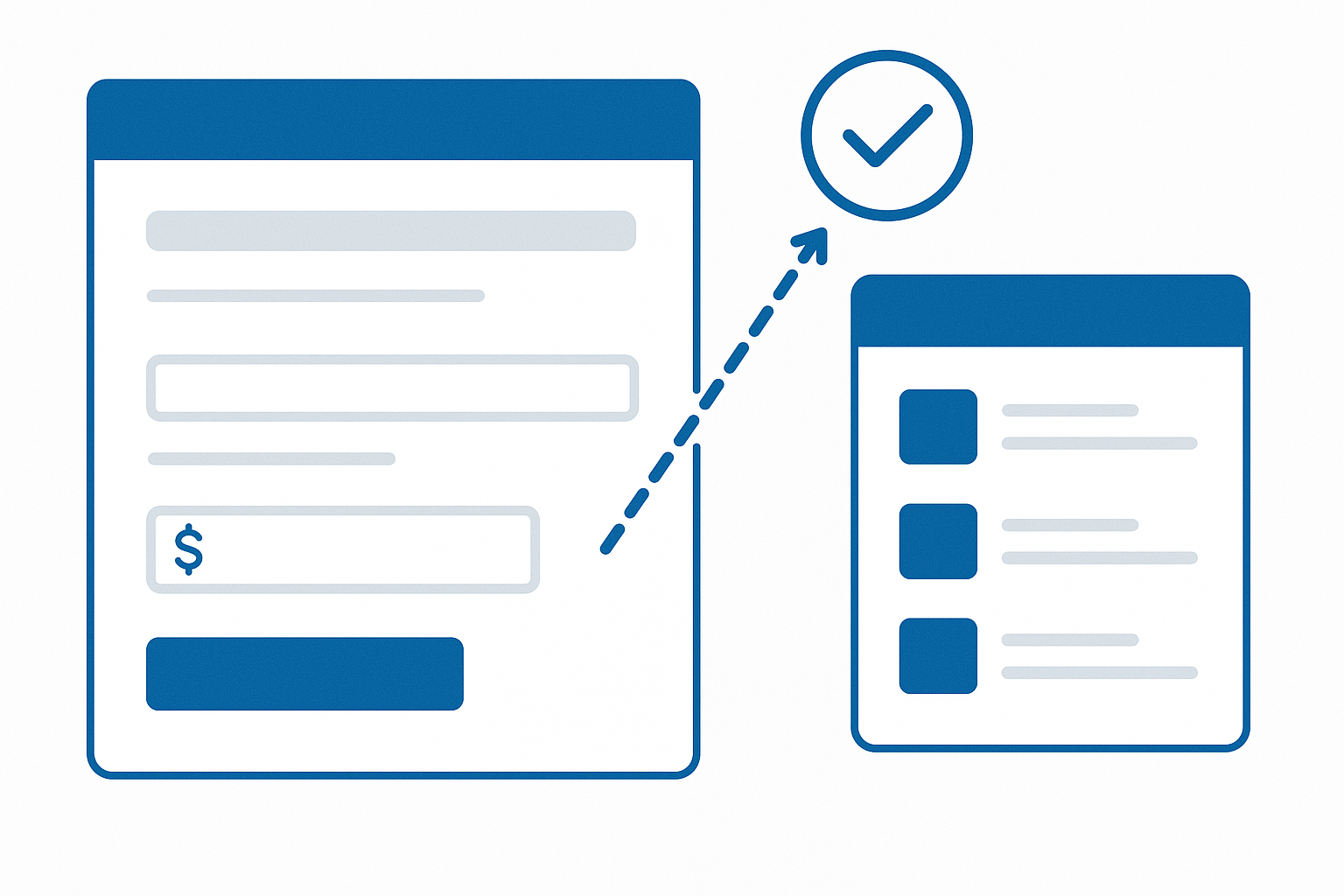
A staff member logs a request to replace a failed laptop. Quoted cost: $850. No approval needed, it routes straight to the IT queue. Ten minutes later someone else logs a request for a new managed switch at $4,200. That one needs sign-off from an IT manager before a technician can touch it. Same list, same form, two different paths, and nobody built two forms or wrote an approval workflow to make it happen.
Most IT service request intake works like this. Cheap, routine stuff shouldn't wait on a manager's calendar. Anything with real budget impact needs a second set of eyes. The default SharePoint New Item form doesn't know the difference, though. Every field shows for every request, every time, and "approval required above $2,000" ends up as a line in a policy document that staff are supposed to remember on their own.
Where the default list form falls short
A typical IT helpdesk list has the usual columns: Category, Description, Priority, Estimated Cost, maybe a Requested By person field. If IT wants approval routing on top of that, the common fallback is a Power Automate flow that emails a manager on every submission, or an approval column someone has to remember to check by hand. Neither actually stops a technician picking up an unapproved high-cost request, because the form itself doesn't enforce anything.
Plenty of these lists started life as InfoPath forms years ago, and that clock now has a real date on it. Microsoft has confirmed InfoPath Forms Services in SharePoint retires on 14 July 2026. After that, InfoPath browser forms stop working outright. If your helpdesk intake is still InfoPath, this isn't a someday problem. Microsoft's own answer is Power Apps and Dataverse, a legitimate path if you're already deep in the Power Platform, but it means leaving your SharePoint list behind. If the list itself is fine and it's only the form that needs replacing, that's a bigger move than the problem calls for.
Building the threshold rule
In the Forms 365 designer, this becomes a requiredIf rule on an Approved By field, something like EstimatedCost > 2000. Below the threshold, that field stays hidden and the request submits without it. Above it, the field appears and becomes mandatory. The form won't submit until someone has recorded who approved it. Tighten it further with a group check, so the approval field is only visible and fillable to people in the IT Managers group in the first place: user.isInGroup("IT Managers") AND EstimatedCost > 2000. A requester never even sees a field they have no business filling in.
The threshold is just a number on the form. When finance decides the line should move from $2,000 to $2,500, someone edits the rule in the designer instead of re-briefing the whole team on a new policy. If IT later renames Estimated Cost to Quoted Cost, or adds a new Category like Software Licence, the form picks up that schema change on the next load. No republish, no rebuild.
Letting requesters point at the actual asset
Most IT requests aren't abstract. They're about a specific device. A linked list lets you embed your asset register as a child list inside the request form, so a requester can search for and attach the affected laptop, monitor, or switch inline, and it saves together with the parent request in one transaction. That beats a free-text "asset tag" field nobody fills in correctly, and it beats sending people off to a separate list to look something up before coming back to finish the form.
Two limits are worth flagging before you build this. It's a single parent/child level: you can attach assets to a request, but you can't nest a further child list under each asset row. There's also no built-in way to sum values across those linked rows. If a request involves five assets, the approval threshold still has to be judged against the Estimated Cost field the requester types in, not an automatic rollup of asset values. And if your asset register grows into the tens of thousands of items, that's a large SharePoint list, and large lists run into the platform's own list view threshold no matter which form sits on top of them. Plan your views and indexing for that. A form customizer won't change it.
A rule on a field and a linked list on a form. Both built in the same designer used for the rest of the intake process. No developer required.